General example
Otary unifies geometry and image processing in a single API.
You can construct geometric entities, render them onto an image, and apply image-processing transformations, all within the same workflow, without switching between libraries.
Image and Geometry at once
Because visual output is the best way to verify a transformation, the example below walks through this end-to-end.
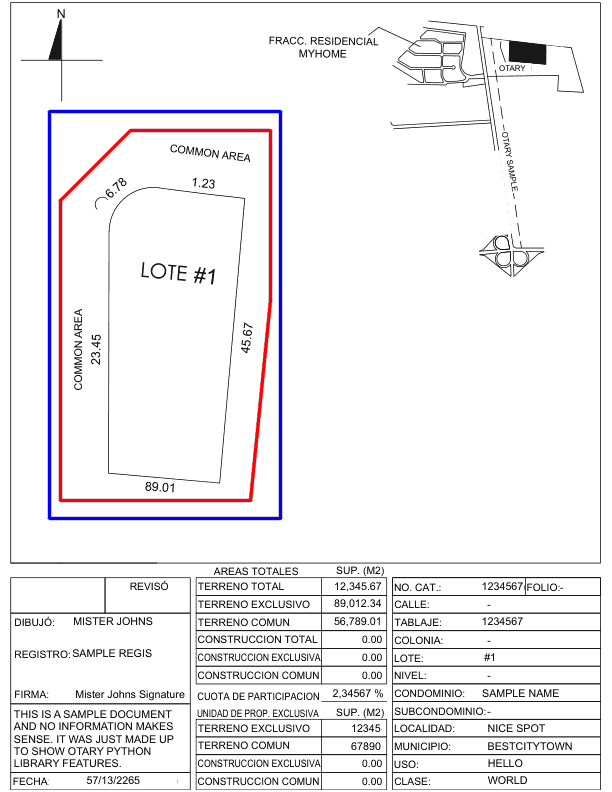
Advanced Image Manipulation
Suppose you what to manipulate the image in a given part of it. Here is an example of what you could do.
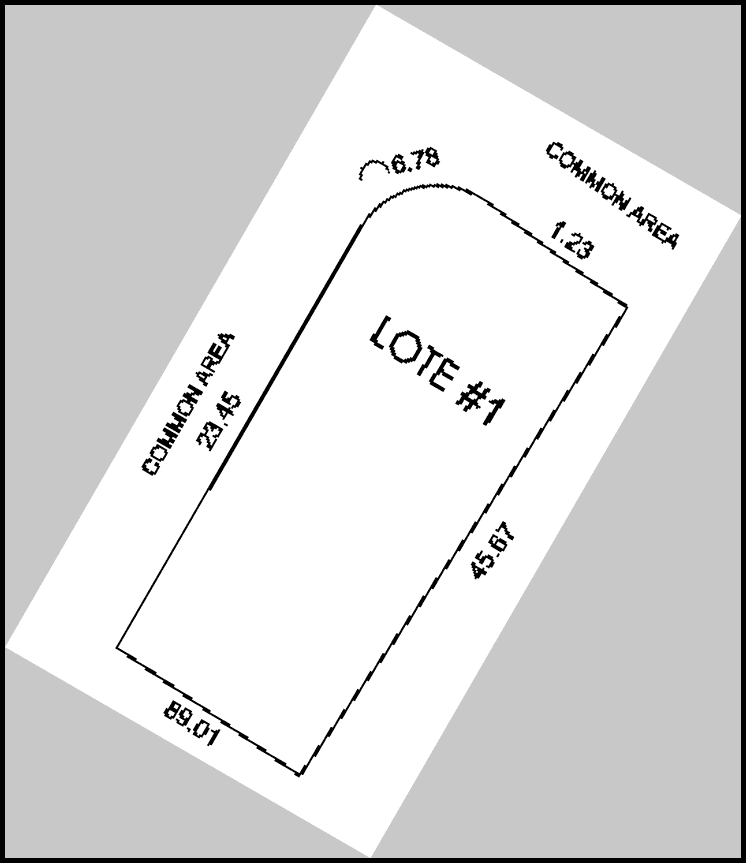
The previous code does the following:
- Crop the image from the AABB
- Apply a threshold to binarize the image. It is now composed of only two values: 0 & 255
- Resize the image by a factor of 2
- Rotate the image by 30 degrees clockwise
- Add a black border to the image
And here is the result:
Otary is designed to be interactive and user-friendly, ideal for Jupyter notebooks and live exploration.
Enhanced Interactivity
In a Jupyter notebook, you can easily test and iterate on transformations by simply commenting part of the code as you need it and quickly see the result.
Crop image efficiently
Some methods (all the cropping methods, some morphology methods like resize, etc...) have a boolean copy parameter.
By default, the copy parameter is set to False which means that the original image is modified and then returned.
This is the default behaviour of all the methods in the Otary library.
However, when copy is set to True, a new Image object is returned and the original image is not modified.
This is useful when you want to create a new image after the transformation without modifying the original image.
Consider an example where you want to crop an image:
Wrong way of cropping and preserving the original image
This approach works but can be considerably slower especially when the image is large because you first copy the image and then crop it.
This would instead be the correct way to crop and preserve the original image:
Good way of cropping and preserving the original image
Here we just create a new image based on the cropped part, not the entire original image which is considerably faster on large images.